
ADVERTISEMENT
ADVERTISEMENT
In today's fast-paced work environment, where flexibility and collaboration are key, the Zoom - One Platform to Connect app emerges as a comprehensive solution for teams navigating remote and hybrid work settings. The app’s landing page heralds its capabilities in fostering connection and productivity, making it a noteworthy contender in the collaborative space. This review will delve into the app's features, user feedback, recent updates, and its device and permission requirements.
The features of the Zoom - One Platform to Connect app stand as its most compelling attribute, designed to consolidate numerous tools into a single, accessible platform. Here are the five core features outlined:
1. AI-Enhanced Collaboration: At the heart of its functionality is an AI-first approach, enabling seamless meeting preparation and collaboration. Built-in features such as an AI notetaker automatically generate meeting summaries, allowing users to focus on discussions rather than minute-taking. Moreover, the ability to draft messages and content with contextual AI accelerates communication for users, streamlining their workflow.
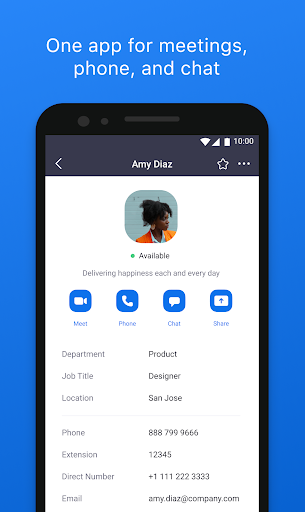
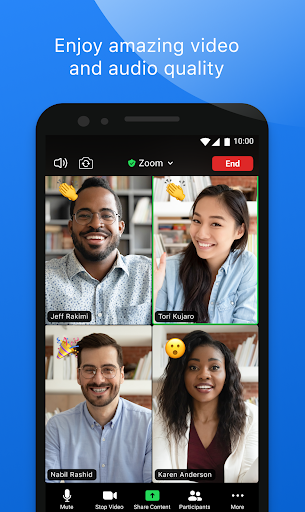
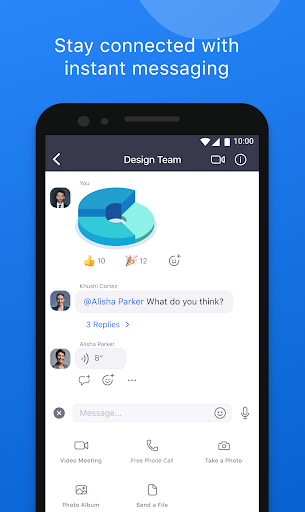
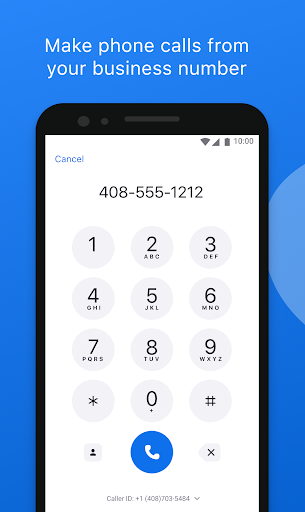
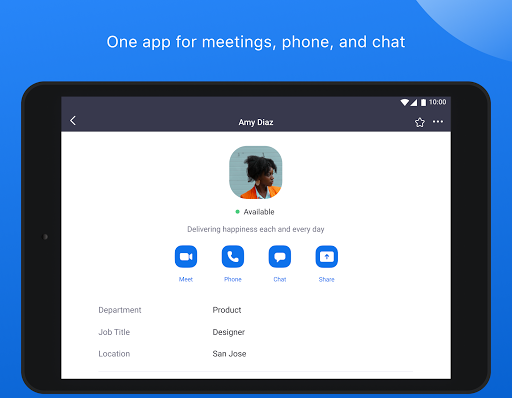
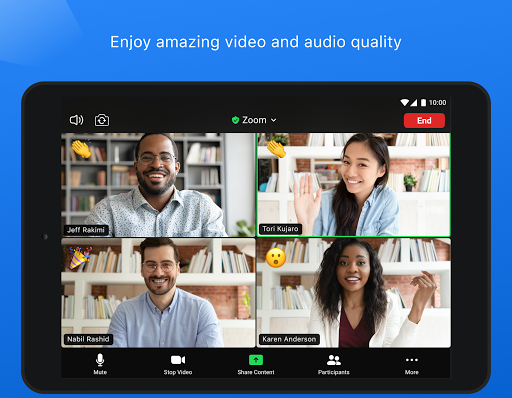
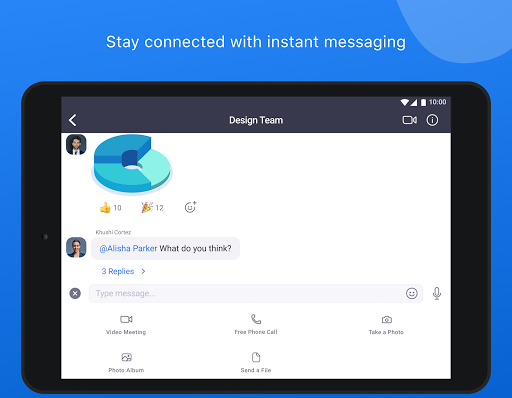
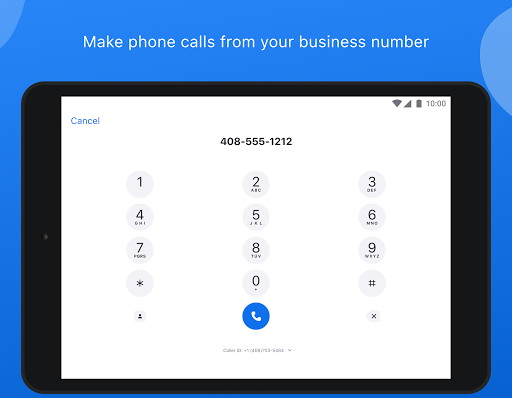
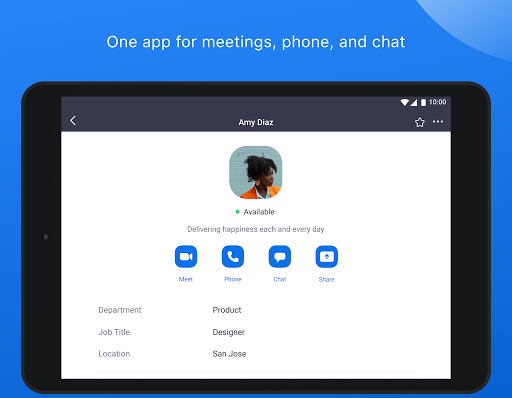
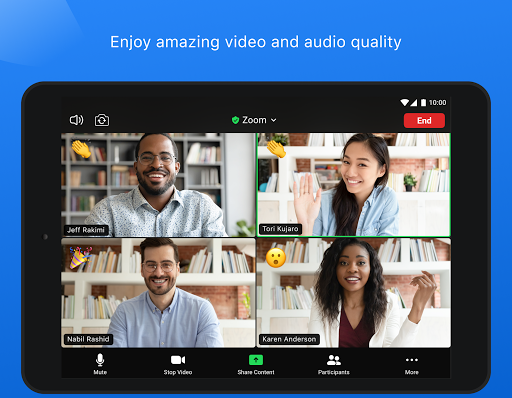
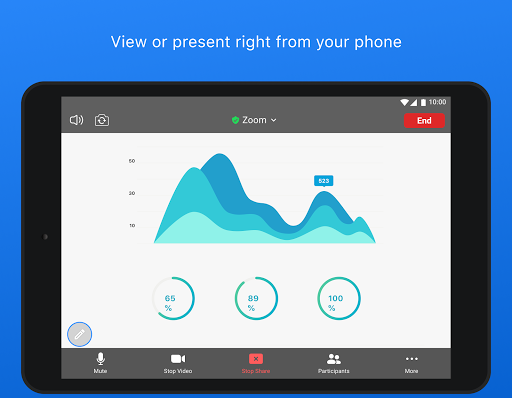
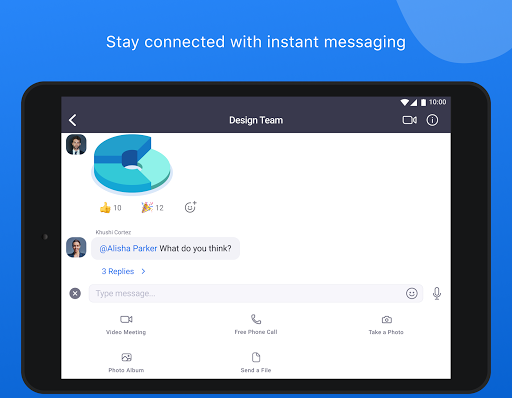
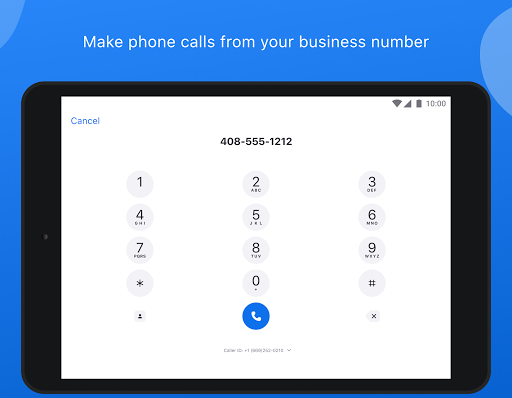
2. All-in-One Communication: The app offers a multifaceted approach to communication, integrating video conferencing, instant messaging, and phone calls into one application. A simple tap allows users to schedule or join meetings, while the chat feature enables messaging not just among colleagues but also with external contacts, emphasizing the versatility needed for modern work environments.
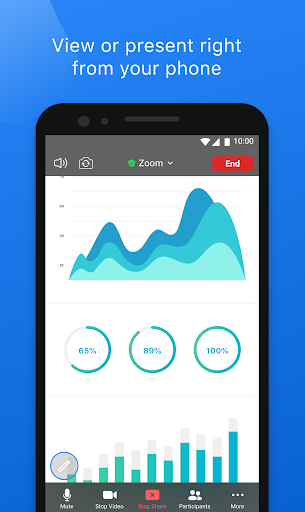
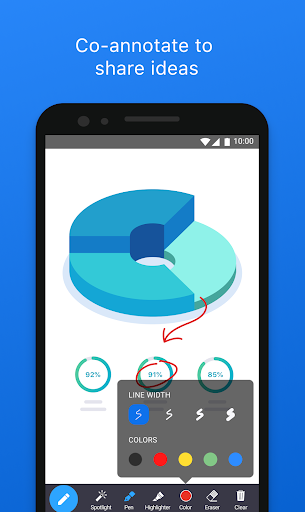
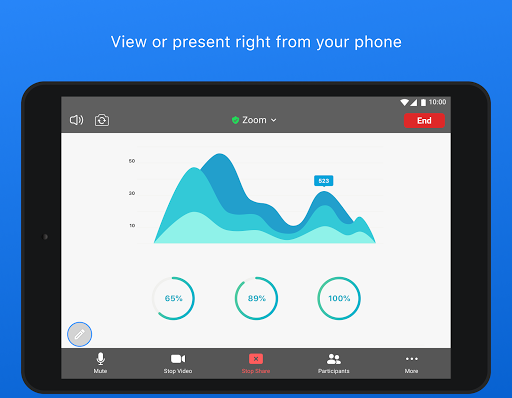
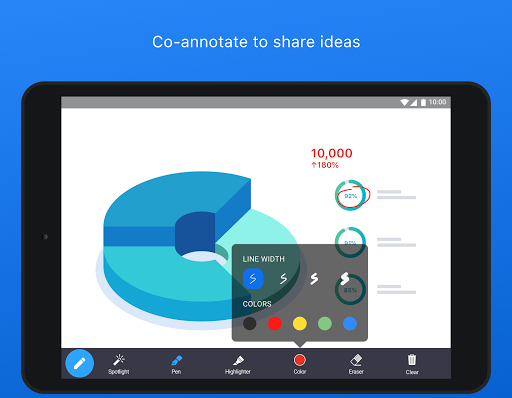
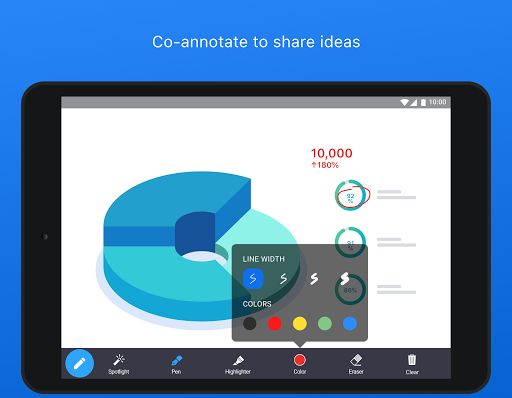
3. Productivity Tools: With tools like Zoom Docs and Zoom Whiteboard, users can enhance teamwork and creativity. Zoom Docs enables document sharing and real-time collaboration, ensuring everyone stays aligned on tasks. Meanwhile, the Whiteboard feature encourages brainstorming sessions, making creative processes more engaging and interactive.
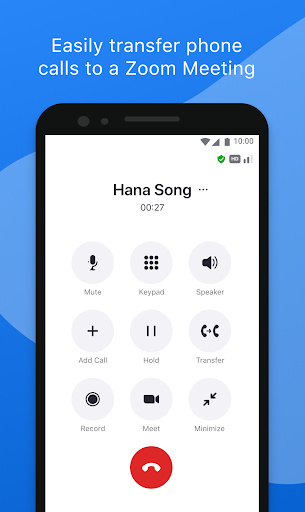
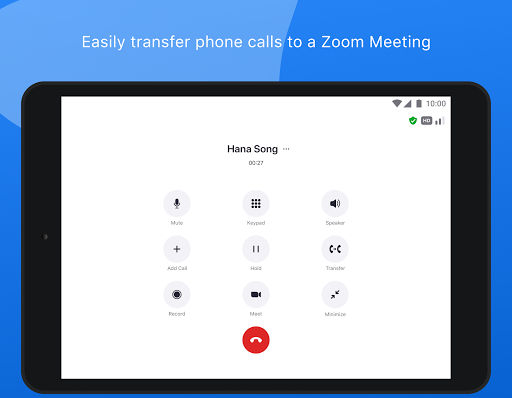
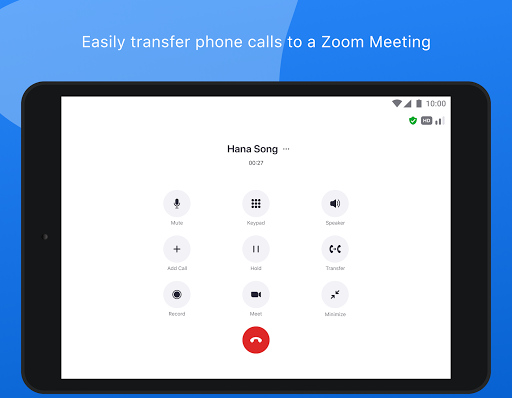
4. Device Flexibility: The app’s functionality is designed for on-the-go use, allowing users to transition between devices effortlessly. A unique feature lets users move live video or phone calls from one device to another with a single tap. This seamless integration is perfect for users who frequently switch between their Android and iOS devices, maximizing productivity no matter the location.
5. Security Features: For professionals, especially those in sensitive industries, the need for security is paramount. The app offers enterprise-grade security protocols and Single Sign-On (SSO) capabilities to protect user data. Additionally, voice access commands, such as “Hey Google,” facilitate hands-free control, enhancing usability while maintaining security.
The Zoom - One Platform to Connect apk integrates these features effectively, promising to alleviate the burden of juggling multiple tools and enhancing focus on core tasks. To experience these capabilities firsthand, users can download Zoom - One Platform to Connect from their respective app stores.
User feedback on the free Zoom - One Platform to Connect app presents a balanced view of its strengths and areas for improvement. Here’s a summary of common remarks from users:
1. Positive Aspects:
- Many users praise the intuitive interface, which simplifies navigation and enhances user experience.
- The AI notetaker is frequently highlighted as a game-changer, saving time during meetings. Users appreciate how they can quickly catch up on missed discussions without sifting through hours of video.
2. Areas for Improvement:
- Some users report occasional glitches and connectivity issues, which can hinder seamless communication.
- A few reviews mention that the app’s performance could be improved on older devices, indicating a need for optimization for varying hardware capabilities.
Overall, the user reviews underscore that while there are minor issues, the app’s core functionality resonates well with its audience, making it favorable for a collaborative environment.
Keeping pace with technological advancements, the Zoom - One Platform to Connect app regularly updates its features to enhance user experience. Recent updates include:
1. Enhanced AI Features: The introduction of smarter AI capabilities, including more accurate context recognition for message drafting, has been received positively. These enhancements make it easier for teams to communicate effectively and efficiently.
2. Integration with Third-Party Tools: The app now allows improved integrations with popular project management and scheduling tools, providing a more cohesive experience when managing tasks and meetings.
3. User Interface (UI) Improvements: Recent updates have refined the user interface, making it more visually appealing and user-friendly. Adjustments to iconography and layout have minimized clutter, allowing users to focus on their tasks rather than navigating complex menus.
4. Expanded Device Support: The app continues to broaden its compatibility with various operating systems and devices, ensuring inclusive access for all users, whether they are on iOS or Android platforms.
These updates reflect Zoom's commitment to maintaining a competitive edge in the collaboration market, offering users an evolving and adaptive tool.
To successfully utilize the Zoom - One Platform to Connect app, prospective users must consider the following device requirements:
1. Operating System Compatibility: The app is available for both Android and iOS, with specific versions needed for optimal performance:
- iOS: Requires iOS 12.0 or later.
- Android: Requires Android 6.0 or later.
2. Storage Space: Users should ensure that their devices have adequate storage capacity for installation and updates. The app's APK file is approximately 150MB, but additional space may be required for data cache and shared files.
3. RAM Requirements: A minimum of 2GB of RAM is recommended for a smooth experience, although increased RAM will enhance multitasking capabilities, especially when using features like Zoom Docs and Whiteboard.
4. Internet Connection: A stable internet connection is essential for all functionalities of the app, particularly for video conferencing and real-time collaboration. Wi-Fi is recommended for the best experience.
Before proceeding to install Zoom - One Platform to Connect, users should verify that their devices meet these requirements, ensuring a seamless installation process and optimal functionality.
As with many modern apps, the Zoom - One Platform to Connect installation process requires certain permissions to function effectively. These permissions typically include:
1. Camera and Microphone Access: Essential for video calls and voice communication, allowing users to interact in real-time.
2. Storage Access: Required to save meeting recordings, shared documents, and cached data for quicker access.
3. Contacts: Access to contacts may be necessary for facilitating seamless messaging and calling features, ensuring users can connect with others quickly.
4. Location Services (optional): If enabled, location services can enhance features like meeting scheduling by suggesting appropriate times based on users' locations.
Users must grant these permissions to enjoy the full suite of features offered by the Zoom - One Platform to Connect app. This aspect is crucial for maintaining the app’s functionality and ensuring a smooth user experience.
In conclusion, the Zoom - One Platform to Connect app stands out in the realm of collaboration tools, seamlessly integrating video conferencing, messaging, document sharing, and AI-driven features all into one platform. Its commitment to enhancing productivity, combined with user-friendly design and robust security measures, makes it an exceptional choice for teams navigating the complexities of modern work. While it is essential to consider device and permission requirements before downloading Zoom - One Platform to Connect, the benefits outweigh the prerequisites, making it an indispensable tool for professionals seeking to streamline their workflow and stay connected in an increasingly digital world.


Welcome to AppSparkle - your independent guide to discovering trending and popular apps. Our mission is to provide a user-friendly platform highlighting popular apps available on official stores.
At AppSparkle, we gather and present app information to help you explore options across Google Play and the Apple Store. Our descriptions are based on public sources and aim for accuracy, but we encourage verifying details directly on official store pages.
Important Notice:
AppSparkle is an independent third-party platform. We are not affiliated with, endorsed by, or officially connected to any app developers, brands, Google Play, Apple App Store, or their parent companies. All app names, logos, and trademarks belong to their respective owners.
We strive to make app discovery straightforward. Links provided will direct you to secure download pages on Google Play or the Apple App Store.


