
ADVERTISEMENT
ADVERTISEMENT
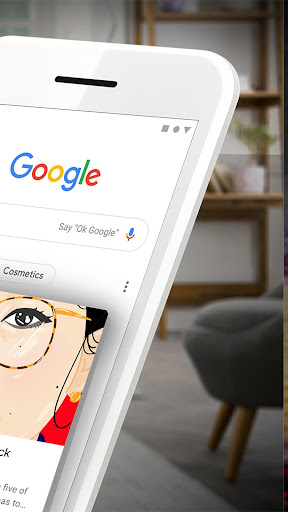
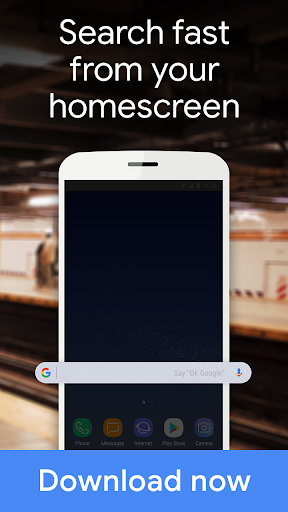
The Google app is an impressive utility that encapsulates the power of Google’s renowned search engine into a seamless, user-friendly experience on both Android and iOS platforms. Described succinctly on its landing page, the app keeps you informed about topics that genuinely matter, providing quick answers and personalized updates. One defining trait of the Google app is its ability to adapt and improve based on user activity, proving its smarter-than-average capabilities with repeated use. Let's delve into the core features that make the Google app a robust companion for anyone looking to explore their interests while staying up to date.
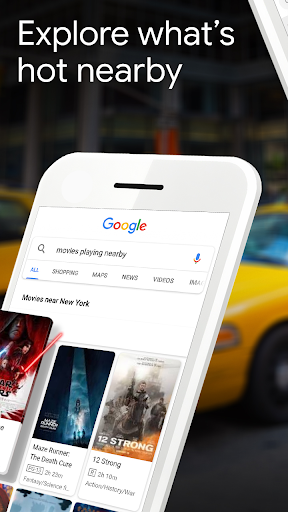
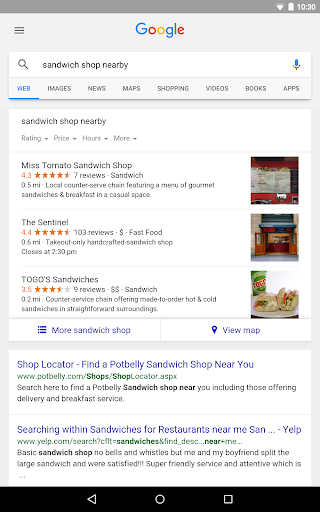
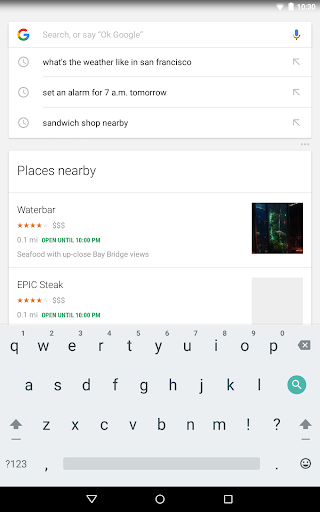
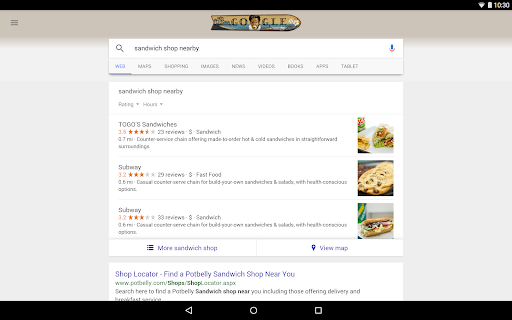
1. **Comprehensive Search and Browse Tools**: The Google app allows users to search and explore a wide array of subjects and objects, from nearby shops and restaurants to live sports scores and movie schedules. It offers a consolidated space where one can find movie times, cast details, and reviews, enhancing the movie-going experience. Users can easily explore videos, images, and more general web content efficiently. This ensures that whether you're looking for the latest financial news or simply browsing for entertaining video clips, the Google app is your gateway to the internet, offering a simplified Google download experience.
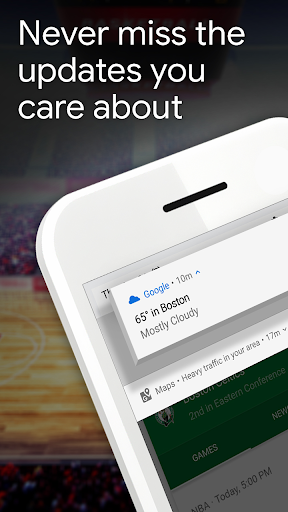
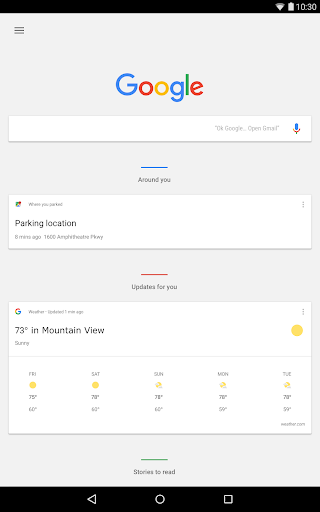
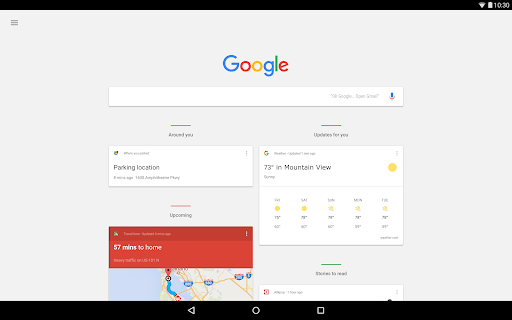
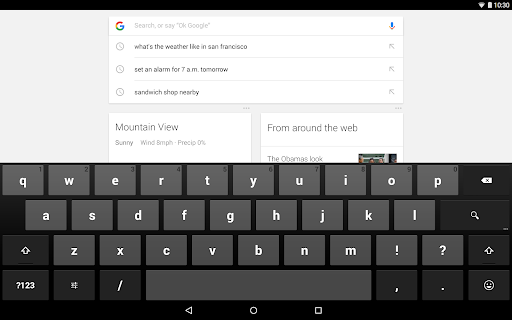
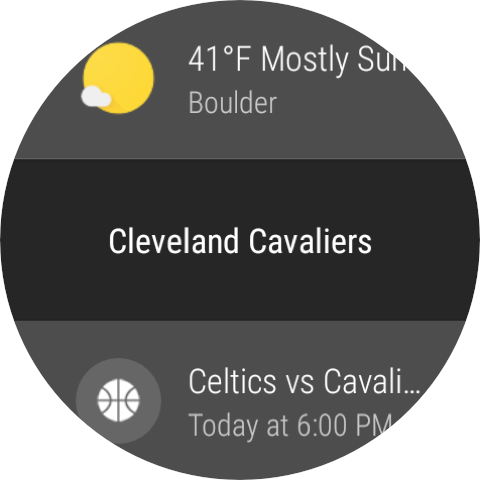
2. **Personalized Discover Features**: One of the standout aspects of the Google app is the Discover feature, which intelligently presents users with personalized content updates. Whether you’re interested in daily weather reports, top news, or updates on your favorite sports teams and musicians, Discover offers a tailored feed. This aspect of the Google app exemplifies how artificial intelligence can cater to individual preferences, ensuring each day's login to Google is enriched with relevant information.
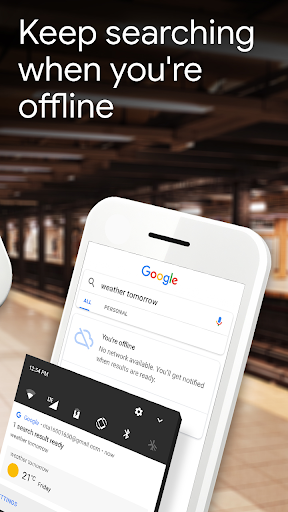
3. **Optimized Performance on Unstable Connections**: Recognizing that not all users have access to high-speed internet at all times, the Google app includes adaptive features that improve performance on shaky connections. It automatically optimizes search results, so users can still access vital information without waiting forever for pages to load. Plus, if a search fails due to connectivity issues, the app sends a notification with the results once an internet connection is re-established, ensuring that users never miss critical information.
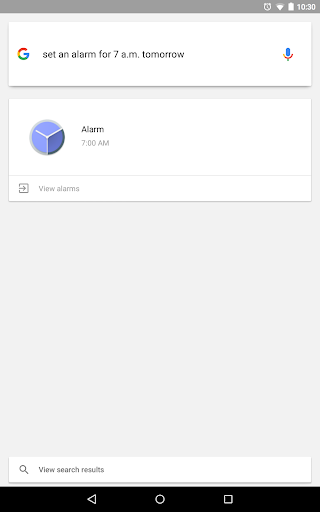
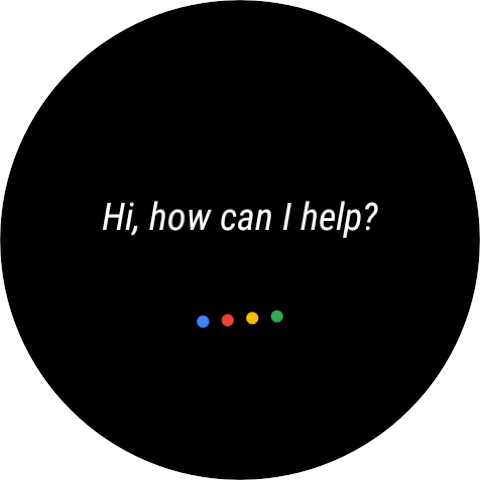
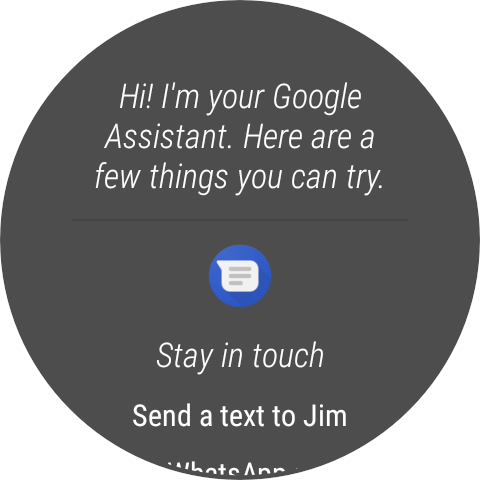
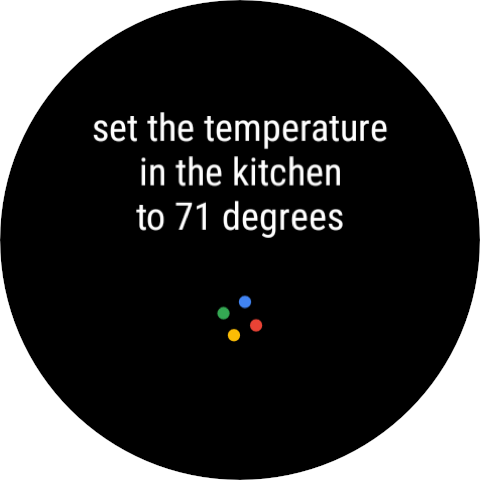
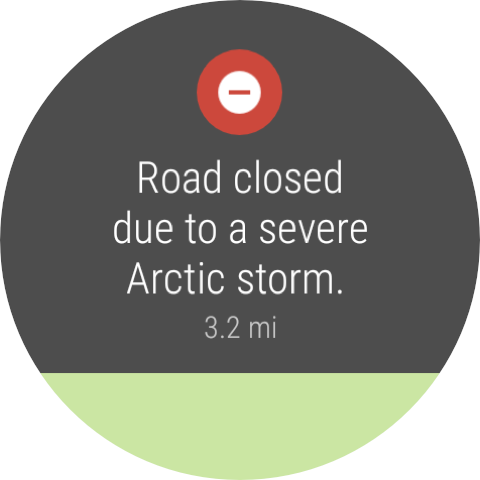
4. **Integration with Smart Devices**: For users of certain Wear devices, Google Assistant features available through the Google app bring a hands-free, voice-activated approach to accessing information. This integration not only showcases the versatility of Google app installations but also underscores the potential for seamless interconnectivity between devices, making Google a companion across multiple platforms.
5. **Continuous Learning and Enhancement**: The more you use the Google app, the more it learns about your preferences, continuously refining your experience. This dynamic learning aspect positions the Google apk as a compelling option, increasingly aligning search results and suggestions with your unique interests and habits over time.
User reviews illustrate the nuanced relationship between the Google app and its vast user base. Generally well-received, the app garners praise for its intuitive interface, robust search capabilities, and intelligent Discover feature.
1. **Ease of Use**: Many users commend the app for its simple layout and user-friendliness. The process of Google download and installation is straightforward, whether on Android or iOS, delivering a fuss-free user experience.
2. **Search Efficiency**: The Google app's ability to deliver precise results quickly is frequently highlighted. Users appreciate how swiftly the app returns relevant information, often faster and more efficiently than browser-based searches.
3. **Personalization**: Users also enjoy the personalized content offered by the Discover feature. This aspect, incorporating machine learning to tailor updates, has been applauded for transforming each Google login into an engaging, informative session.
4. **Connectivity Support**: Positive feedback is also directed towards the app's performance on unstable connections. Users highlight this feature as invaluable, particularly in areas where internet service can be inconsistent.
5. **Minor Drawbacks**: Some users express desires for even more customization options within the Discover feed, allowing them to fine-tune what appears. Another common critique involves occasional notifications that might not align with immediate interests, although these instances are relatively uncommon.
The commitment to regular updates is a key component of Google's strategy to maintain the app's relevance and user satisfaction. Recent updates have introduced and refined several functions:
1. **Enhanced Discover Curation**: The app has advanced its algorithms to better curate content in Discover, aiming to deliver even more personalized and contextually relevant news and updates.
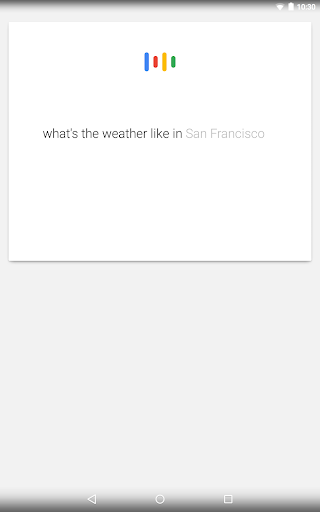
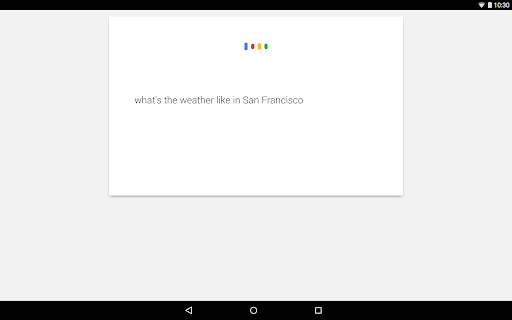
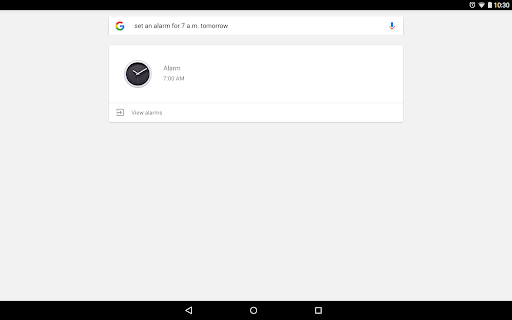
2. **Voice Search Improvements**: Voice search functionality has been optimized to provide faster, more accurate results. This optimizes the interaction process, especially valuable on-the-go and for users with Wear devices leveraging the Google Assistant.
3. **User Interface Tweaks**: Subtle changes to the user interface have been made for improved navigation and usability, enhancing the overall experience with smoother transitions and more intuitive layouts.
4. **Security Enhancements**: Updates have included enhancements to the security protocols within the app, ensuring that user data and search histories remain private and protected—an ever-critical feature in the digital age.
To effectively use the Google app, there are certain device specifications and requirements users must meet, which ensure optimal performance and full access to all features.
1. **Platform Compatibility**: The app is available on both Android and iOS devices. Users can find the Google apk ready for download on the respective app stores, making installation straightforward across these major mobile platforms.
2. **Version Requirements**: For Android, the Google app typically requires a device running Android version 7.0 or higher. iOS users must have devices operating on iOS version 11.0 or later.
3. **Memory and Storage**: To download Google successfully, devices should have adequate storage space and memory. Though the app isn't exceptionally large, ensuring enough free space will facilitate smooth performance and updates.
To deliver its comprehensive range of services, the Google app requires a set of permissions. These are crucial for its functionality and user experience.
1. **Location Access**: To provide precise results for searches related to nearby entities like restaurants or shops, the app seeks permission to use your device's location data.
2. **Notifications**: For the timely delivery of updates and news via Discover, users may need to enable notifications. This helps keep users informed without having to manually check the app.
3. **Microphone**: The app requires access to your device's microphone to power its voice search and Google Assistant functionalities, offering an intelligent, voice-activated search experience.
4. **Data Usage**: The app also requires internet access, utilizing either Wi-Fi or mobile data. Users should be aware of potential data charges, especially when not connected to Wi-Fi while enabling the full suite of app features.
In conclusion, the Google app stands out as a comprehensive, free-to-download solution that merges formidable search engine capabilities with personalized content, adapting to user behaviors and preferences. Its ability to operate smoothly across platforms, supplemented by regular updates, makes it an indispensable tool for anyone seeking a personalized information experience. Whether you're a tech-savvy user or someone just getting acquainted with smart apps, the Google app is an essential companion for staying informed and engaged with the world around you.








Welcome to AppSparkle - your independent guide to discovering trending and popular apps. Our mission is to provide a user-friendly platform highlighting popular apps available on official stores.
At AppSparkle, we gather and present app information to help you explore options across Google Play and the Apple Store. Our descriptions are based on public sources and aim for accuracy, but we encourage verifying details directly on official store pages.
Important Notice:
AppSparkle is an independent third-party platform. We are not affiliated with, endorsed by, or officially connected to any app developers, brands, Google Play, Apple App Store, or their parent companies. All app names, logos, and trademarks belong to their respective owners.
We strive to make app discovery straightforward. Links provided will direct you to secure download pages on Google Play or the Apple App Store.


