
ADVERTISEMENT
ADVERTISEMENT
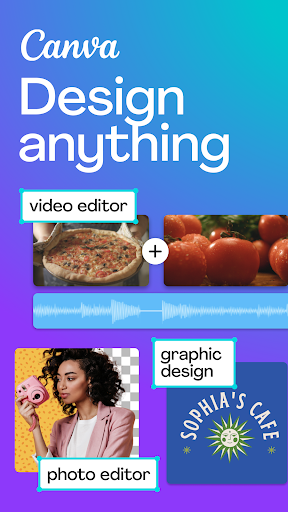
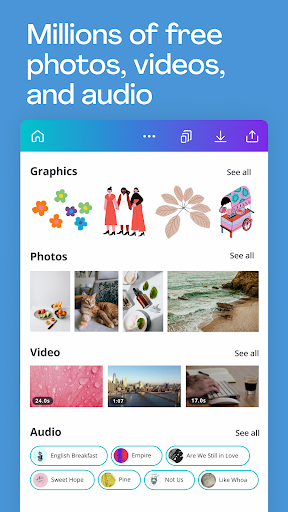
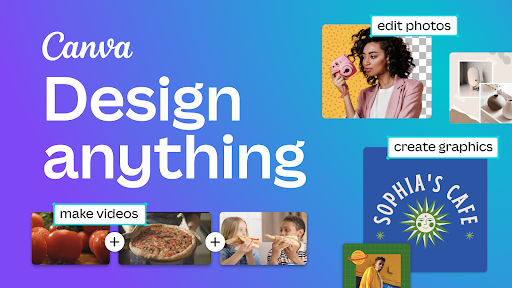
As a powerful design tool that has taken the digital world by storm, the Canva: Design, Photo & Video app offers an extensive suite of features tailored for everyone, from amateur creators to seasoned professionals. Whether you aim to produce stunning social media posts, engaging presentations, or eye-catching flyers, Canva equips you with an impressive array of customizable templates and tools. This review essay will delve into the various aspects of this versatile application, often referred to as the ultimate content creation app. Let’s explore the capabilities of Canva: Design, Photo & Video apk, its user reviews, updates, device requirements, and permission needs, all while ensuring you have a seamless experience, from Canva: Design, Photo & Video download to installation and usage.
Canva offers an extensive assembly of features that cater to diverse creative needs. Here are five standout components that exemplify its usability:
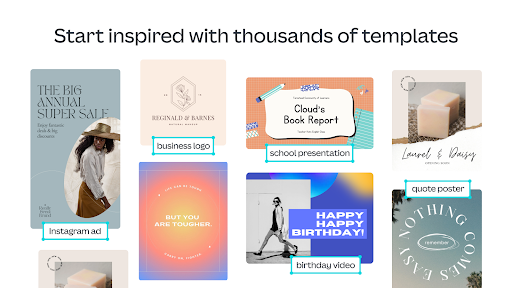
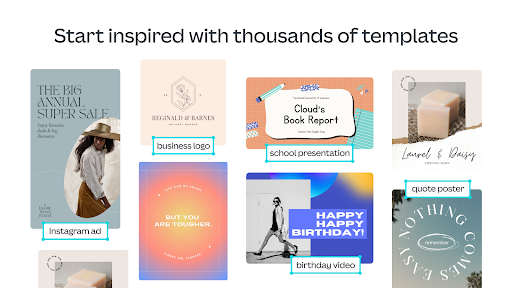
1. Social Media Mastery: With templates for Facebook posts, Instagram layouts, and banners, Canva: Design, Photo & Video app enables effortless content creation tailored for various platforms. The Instagram post-maker and reels maker help users maintain a consistent and engaging brand presence on social media.
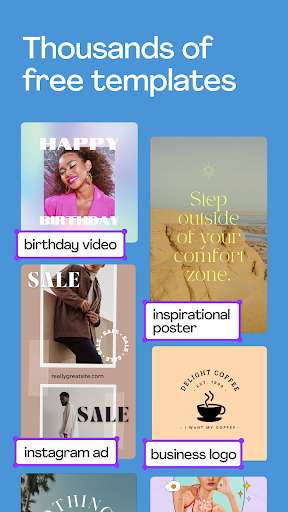
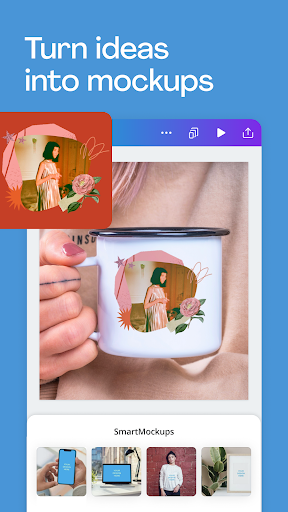
2. Professional Design Templates: The app features an array of professional invitation makers, flyers, and resume templates. Users can quickly customize these designs, ensuring their visual representation aligns with their message. This functionality positions Canva as an invaluable asset for job seekers, event planners, and marketers alike.
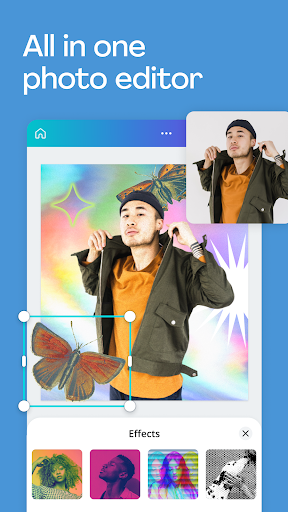
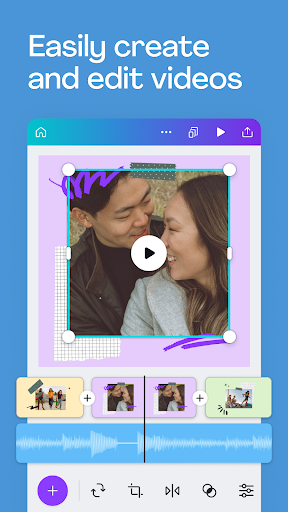
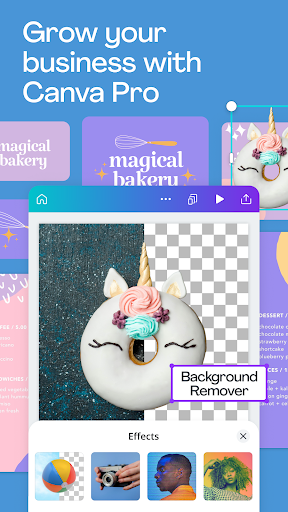
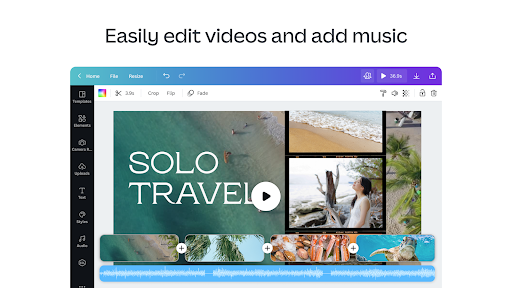
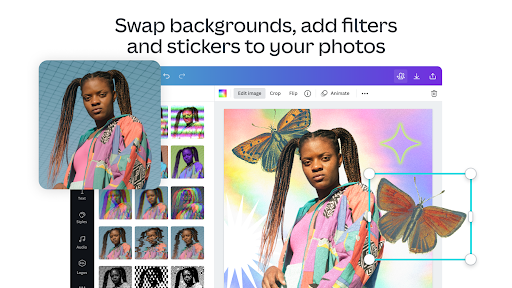
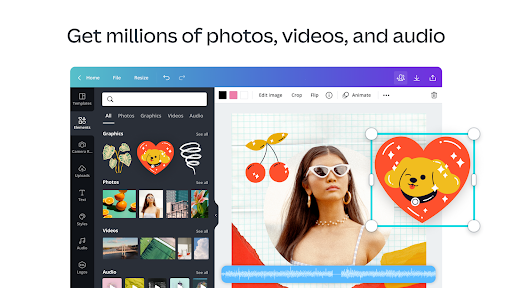
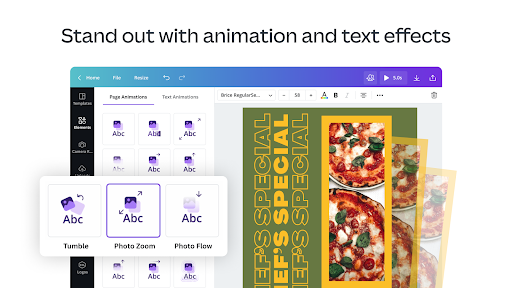
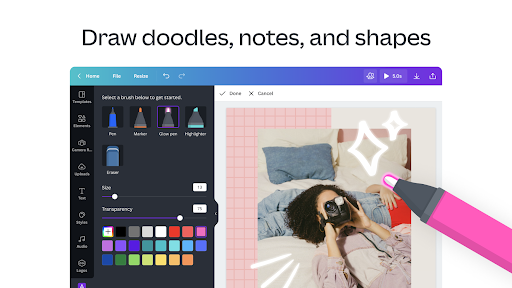
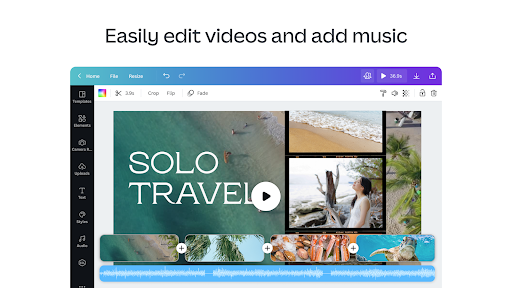
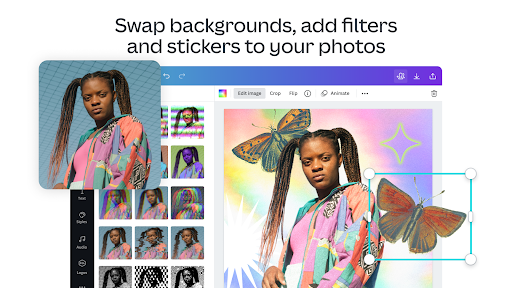
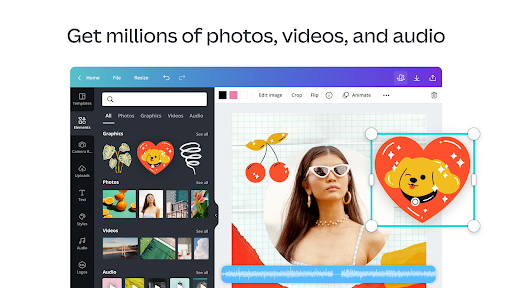
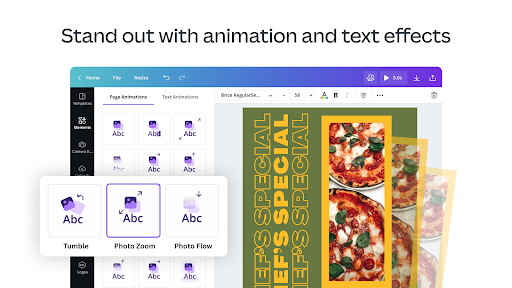
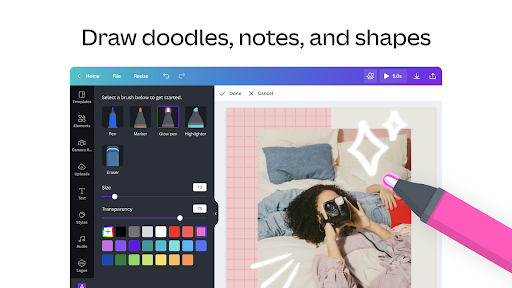
3. Photo and Video Editing Tools: The image editor, complete with cropping, inversion, and background eraser features, empowers users to refine their photos. The video editor further amplifies content creation, offering functionalities such as one-tap animations and real-time collaboration. The ability to apply effects like slow motion and reverse playback enriches the video creation process.
4. Advanced Creative Features: Canva's integration of AI-driven capabilities, like Magic Design and Magic Edit, offers users exceptional flexibility. Users can upload images to receive automated design suggestions or seamlessly swap objects in their visuals, revolutionizing the creative process.
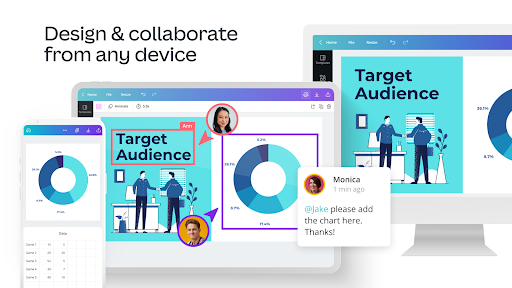
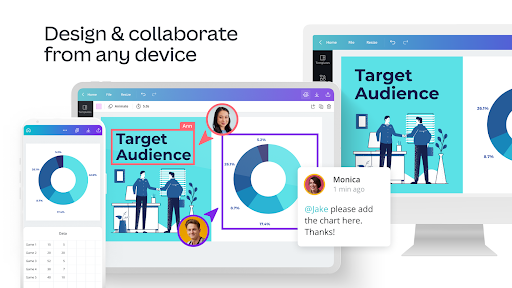
5. Comprehensive Cloud-Based Storage: With 5GB of cloud storage, users can easily save their projects and collaborate in real-time. This feature is especially useful for teams working on design projects, ensuring that everyone remains on the same page.
With these features, not only does Canva streamline the design process, but it also encourages creativity through countless templates and editing tools, solidifying its position as a go-to application for content creation.
The user experience surrounding Canva: Design, Photo & Video app can best be summarized through authentic reviews. On most platforms, users have provided overwhelmingly positive feedback, frequently citing elements that stand out:
- Ease of Use: Many users appreciate the user-friendly interface that makes design accessible for those without extensive graphic design knowledge. One user stated, “I found it incredibly easy to create beautiful posts in minutes. It's truly made content creation a breeze!”
- Versatile Templates: Another common theme is the breadth of templates available. "With so many templates at my fingertips, I can create professional-looking presentations within no time," shared a satisfied user.
- Exceptional Editing Capabilities: Users have also lauded the photo and video editing features, highlighting the effectiveness of the Magic Eraser and background effects. One reviewer mentioned, “I was able to elevate my photography significantly, it’s like having a mini photo studio in my pocket!”
- Collaboration Features: Users working within teams applaud the real-time collaboration tools, stating, "It’s great working with colleagues on a shared project—everything saves automatically."
These user reviews reinforce the value that Canva: Design, Photo & Video brings to the table, making it a preferred choice across various sectors.
Canva continually evolves to meet the needs of its users, regularly introducing new features and enhancements. Among the latest developments in Canva: Design, Photo & Video installation are:
- Enhanced AI Features: New AI-powered tools have been integrated, allowing for more accurate design suggestions and efficient edits. The Magic Edit feature is particularly notable, enabling users to make complex image adjustments easily.
- Expanded Language Support: Automatic translation of designs into over 100 languages has made the app more inclusive, catering to a global audience.
- Improved Cloud Storage: Latest updates have increased cloud storage capacity for pro users, facilitating collaboration while allowing for rapid design iterations.
- User Interface Optimization: Canva has revamped its interface, making it more intuitive and accessible. The design tools are easier to navigate, ensuring users can quickly find what they need.
These updates reflect Canva’s commitment to enhancing user experience, further solidifying its reputation as a leading design application.
To make the most out of the Canva: Design, Photo & Video download, users should ensure their devices meet the necessary specifications.
- For Android Users: The minimum requirements include an Android version of 5.0 or higher, 1GB of RAM, and sufficient storage space for app functionality and media files. Additionally, the app is optimized for various screen sizes, making it suitable for smartphones and tablets alike.
- For IOS Users: Compatible devices include those running IOS 12.0 or later. An active internet connection is required to utilize many of the app's features fully, especially for collaboration and cloud storage.
- Browser Access: Users can also access Canva through a web browser, making it device-agnostic and accessible on desktops and laptops, further expanding its usability.
Ensuring that your device meets these specifications allows for a seamless and enriched design experience.
To use Canva: Design, Photo & Video app optimally, users must grant specific permissions upon installation. These requests typically include:
- Access to Media Files: The app requires permission to access photos, media, and files on your device. This access is vital for uploading and editing images and creating video content.
- Internet Access: Because Canva operates heavily in the cloud, an internet connection is essential, especially for saving designs and collaborating in real-time.
- Storage Access: Users need to allow the app to save files and cache data, ensuring smoother operation and quicker access to frequently used content.
Understanding these requirements enables users to anticipate what to expect during the login Canva: Design, Photo & Video setup process, ultimately leading to a better overall experience with the app.
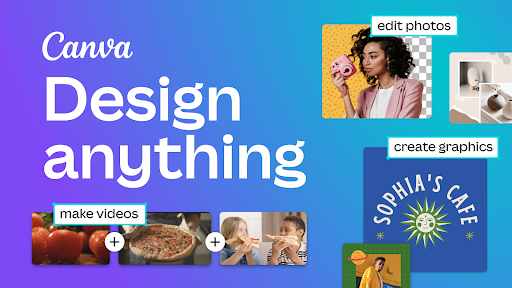
In conclusion, whether you are looking to edit photos, design engaging social media posts, or create professional presentations, the Canva: Design, Photo & Video app offers a comprehensive and user-friendly platform. With its impressive features, positive user feedback, continual updates, and clear device and permission requirements, Canva stands as one of the most effective content creation tools available today. As you proceed with your Canva: Design, Photo & Video installation, you can be confident that it will empower you to unleash your creativity and produce visually stunning content with ease.
Welcome to AppSparkle - your independent guide to discovering trending and popular apps. Our mission is to provide a user-friendly platform highlighting popular apps available on official stores.
At AppSparkle, we gather and present app information to help you explore options across Google Play and the Apple Store. Our descriptions are based on public sources and aim for accuracy, but we encourage verifying details directly on official store pages.
Important Notice:
AppSparkle is an independent third-party platform. We are not affiliated with, endorsed by, or officially connected to any app developers, brands, Google Play, Apple App Store, or their parent companies. All app names, logos, and trademarks belong to their respective owners.
We strive to make app discovery straightforward. Links provided will direct you to secure download pages on Google Play or the Apple App Store.


